Chop 3.0 Is Here: A 7 MB Native Mac App, Chop Free & Pro, and 4K Recording
Chop 3.0 brings a rebuilt 7 MB native macOS app, a forever-free Chop Free tier, Microsoft Store support, 4K 60 fps recording, and an Open button in the editor.
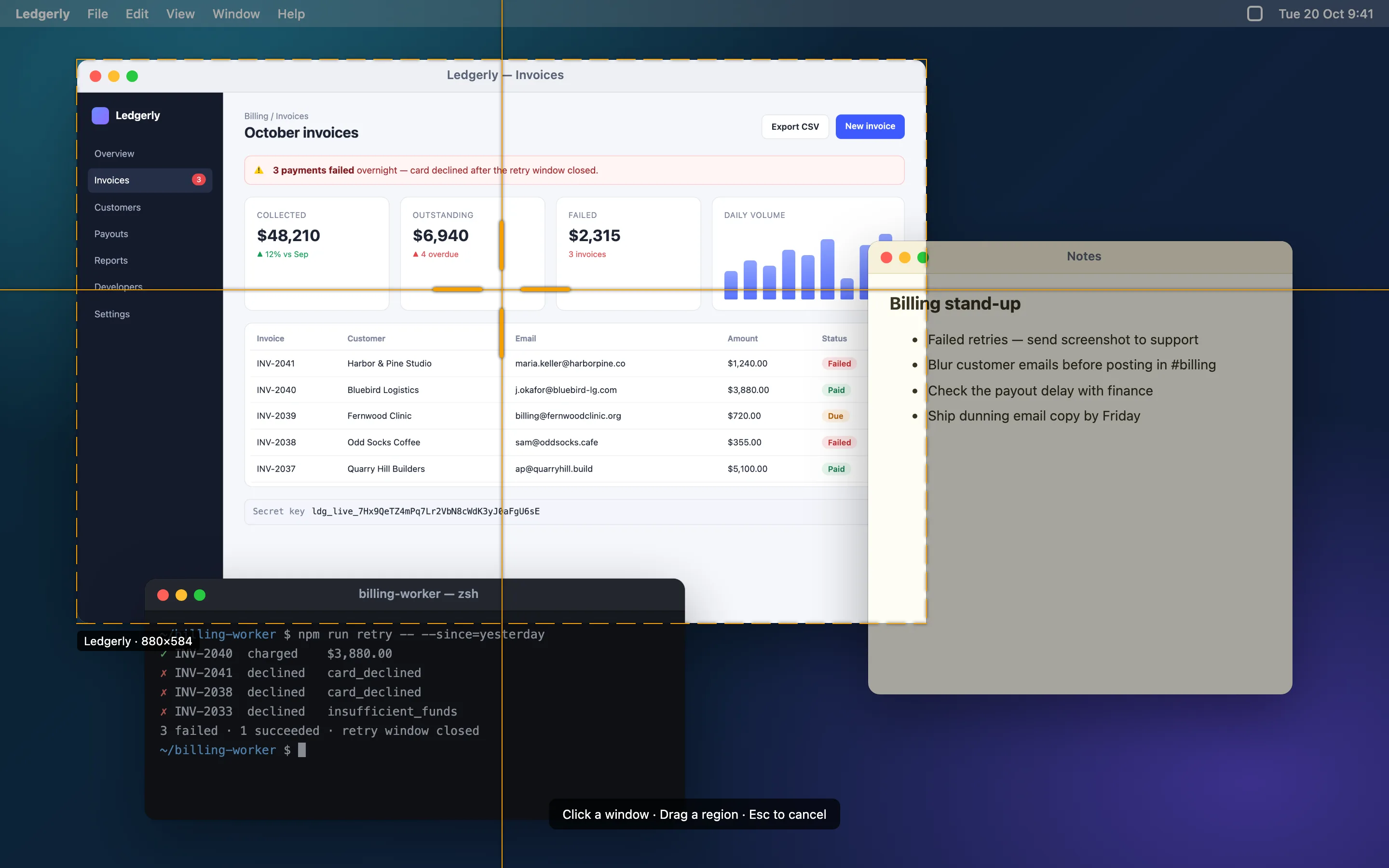
Today we are excited to officially release Chop 3.0, our biggest update yet. Version 3.0 brings a rebuilt native macOS app that is over 20x smaller, a new forever-free tier alongside Chop Pro, sharper 4K screen recording, and official Microsoft Store distribution for Windows.
A 7 MB native Mac app
Chop for macOS has been rebuilt from the ground up as a native Mac app. The download drops from roughly 170 MB down to just 7 MB, launching faster and using far less memory while keeping the exact same editor, Library, and keyboard shortcuts you already know.
Introducing Chop Free and Chop Pro
With Chop 3.0, we are making Chop easier than ever to adopt on any machine:
- Chop Free (free forever): Region, Window, and Fullscreen screenshots, all 9 annotation tools, backgrounds, gradients, presets, and the recent-captures filmstrip. No watermarks, no capture limits, and no account required.
- Chop Pro (one-time purchase): Adds Screen Recording & Video Editor, Scrolling Capture, the full local Library with Search, Favorites and Tags, 1-click Google Drive Sharing, and custom Themes. Every new install includes a 30-day free Pro trial with no account or card required.
Sharper screen recordings up to 4K 60 fps
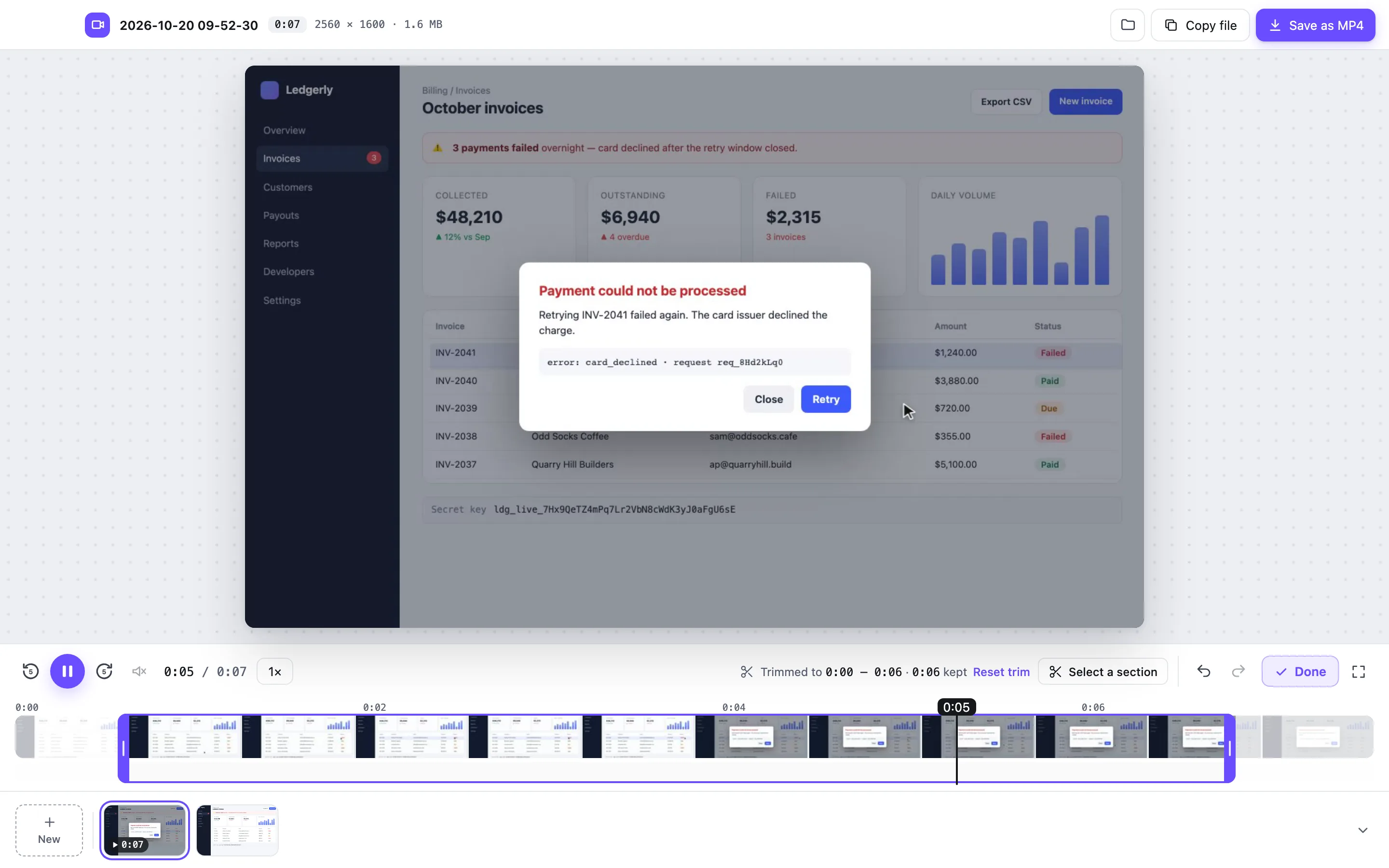
Screen recordings in Chop 3.0 are noticeably crisper. Record your screen in up to 4K at 60 fps on Mac, and up to 1440p on Windows and Linux, then trim and export straight from the built-in video editor.
Custom themes for your workspace
Chop now lets you switch the look of the entire app across both the Editor and Library, in Light and Dark mode. Open Settings → Appearance (or use the Theme menu in the editor inspector) to pick from seasonal, holiday, and nature themes while keeping every exported screenshot completely clean. Browse all 7 looks on the Themes page.
Official Microsoft Store release & Open button
- Microsoft Store for Windows: Chop for Windows now installs and updates automatically via the Microsoft Store. Read more in our Microsoft Store announcement.
- Open any image or video: A new Open button (⌘O) right in the editor title bar lets you open and annotate any existing image or video file on your computer.
Get Chop 3.0 today
Ready to upgrade? Download Chop 3.0 for Mac, Windows or Linux, see the full changelog on What’s new, explore all 7 Themes, or check Chop Pro pricing.
Frequently asked questions
How much smaller is the new native Mac app in Chop 3.0?
Chop 3.0 for macOS was rebuilt as a native Mac app, shrinking the download from roughly 170 MB down to about 7 MB while keeping the exact same editor, Library and shortcuts.
Is Chop still free to use in version 3.0?
Yes. Chop Free is free forever for screenshots, all 9 annotation tools, backgrounds and the filmstrip, with no watermarks or capture limits. Every new install also includes a 30-day Chop Pro trial.
How do existing users update to Chop 3.0?
Open Chop and choose Check for Updates, or download the latest version directly from the Download page or the Microsoft Store on Windows.