6 New Themes Arrive in Chop: Four Seasons and Nature
6 new themes join Chop Pro: Spring Bloom, Summer Sunshine, Autumn Harvest, Winter Frost, Sea Breeze and Jungle Canopy in Light and Dark mode.
Following the launch of our Christmas theme, we are excited to share 6 brand-new handcrafted themes for Chop Pro. Whether you prefer bright coastal blues, cozy autumn warmth, or deep rainforest greens, you can now match Chop to your desk and mood all year round.
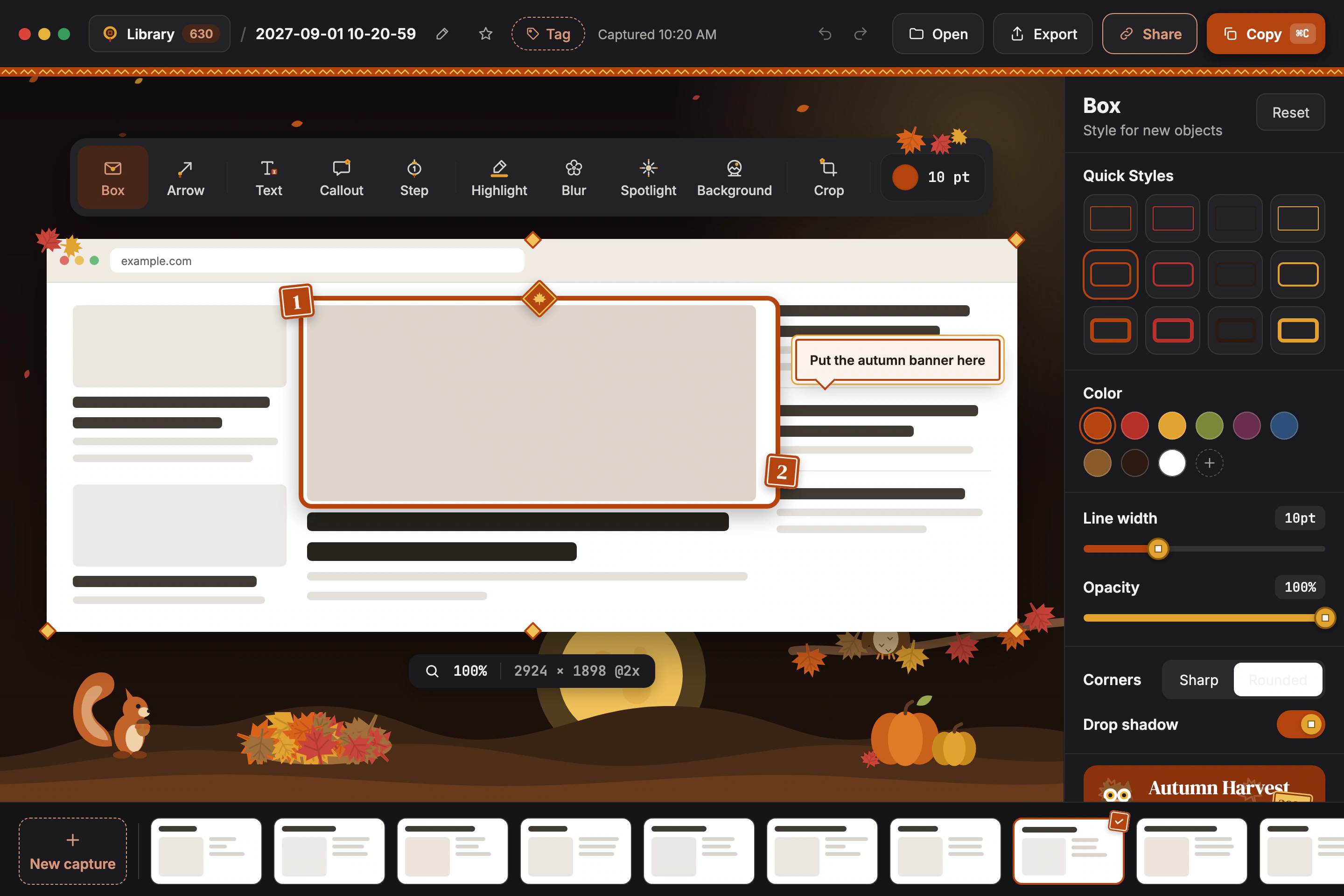
Every new theme is built for both Light and Dark mode across both the Editor and Library, while keeping your copied and exported screenshots 100% clean.
Meet the 6 new themes
Seasonal
- Spring Bloom: Fresh botanical greens and soft blossom highlights that bring a bright, airy spring atmosphere to your workspace.
- Summer Sunshine: Golden amber highlights and sun-warmed neutrals designed for a cheerful, high-contrast workspace on bright days and late nights.
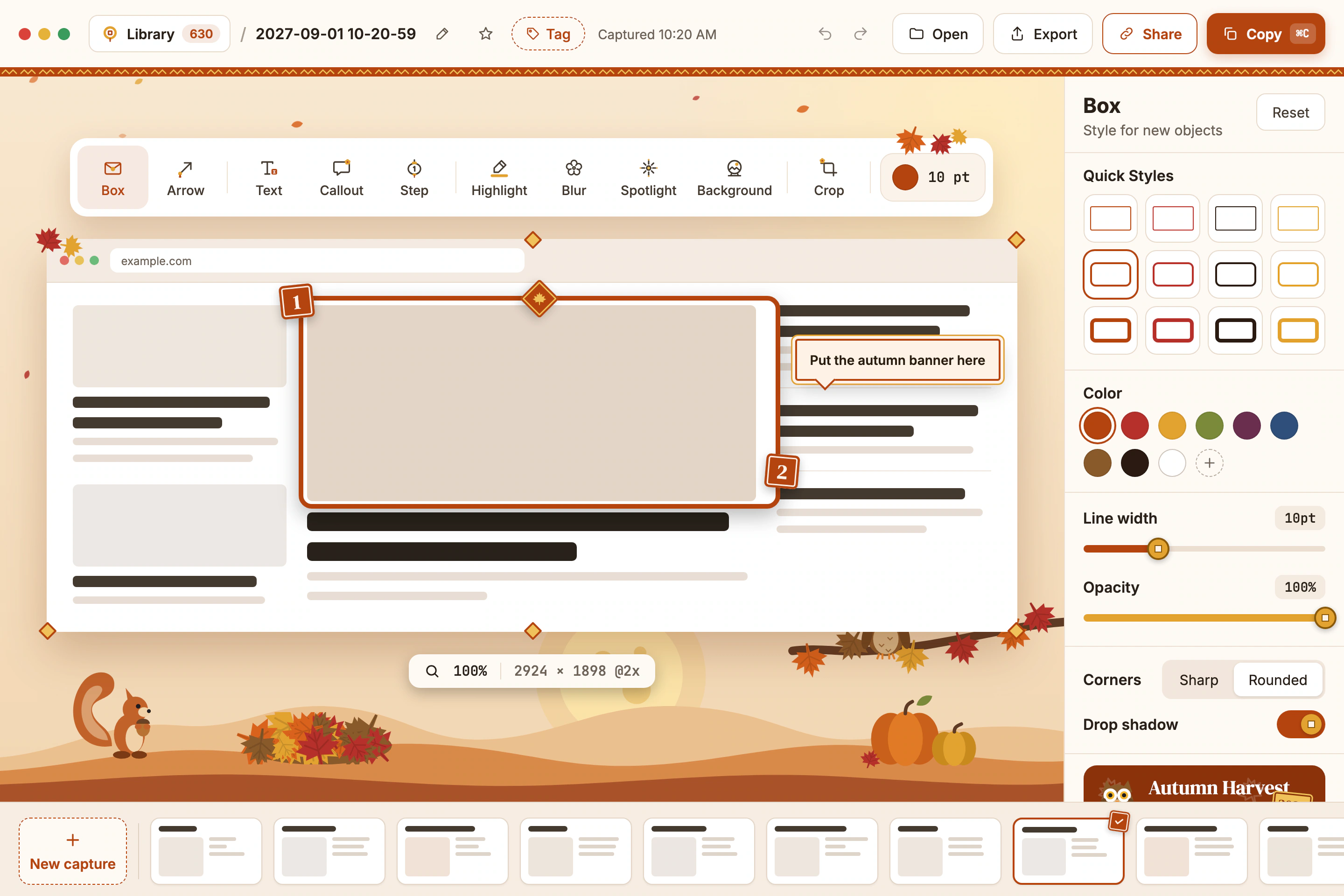
- Autumn Harvest: Cozy burnt-orange foliage, harvest gold details, and crisp woodland tones that give every capture session an autumn warmth.
- Winter Frost: Crisp glacier blues, frosted glass accents, and calm snowy highlights crafted for clean focus in both light and dark rooms.
Nature
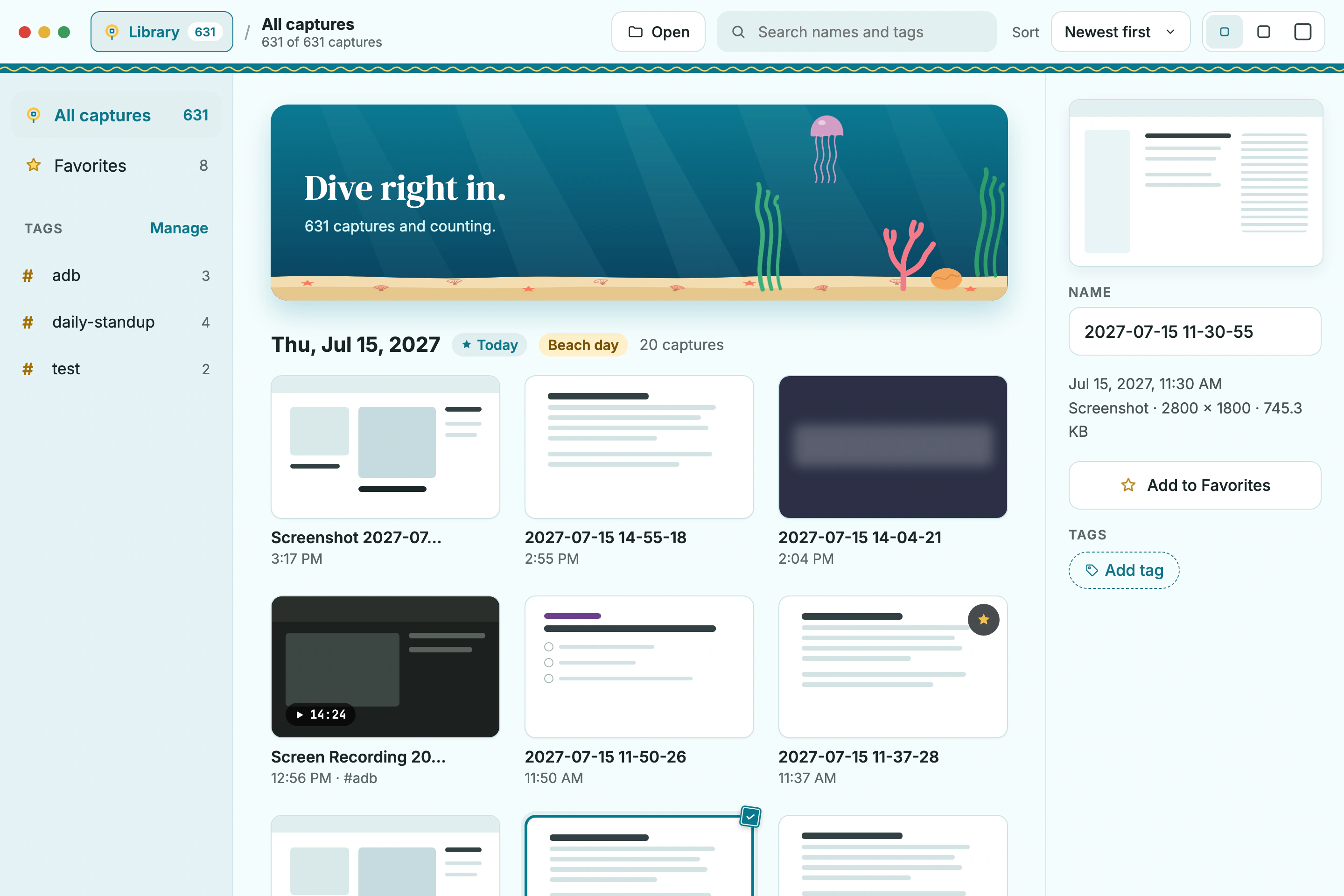
- Sea Breeze: Tranquil coastal teal, sunlit sand notes, and gentle ocean motifs that turn your screenshot workflow into a calm seaside studio.
- Jungle Canopy: Deep rainforest emerald, sunlit leaf accents, and rich organic contrast built for a lush, grounded editing experience.
Preview all 7 themes in one place
Want to compare every theme side by side before choosing? Visit our new Themes page to scroll through Editor Light, Editor Dark, Library Light, and Library Dark previews for all 7 Chop Pro themes.
How to switch themes in Chop
- Open Settings (⌘, on Mac).
- Go to Appearance and select any theme under Theme.
- Pick Auto, Light, or Dark, and customize your Accent color if you like.
All 7 themes are included with Chop Pro at no extra cost, and every new install includes a 30-day free Pro trial with no account or card required.
Explore the full collection on the Themes page, download Chop free, or check Chop Pro pricing.
Frequently asked questions
How many themes does Chop include now?
Chop Pro now includes 7 handcrafted themes: Christmas, Spring Bloom, Summer Sunshine, Autumn Harvest, Winter Frost, Sea Breeze and Jungle Canopy, each with Light and Dark mode.
Do the new themes change my exported screenshots?
No. Themes only style the Chop editor and Library interface. Any screenshot you copy, export or share stays completely clean and unchanged.
How do I switch between themes?
Open Settings (⌘, on Mac), go to Appearance, and pick any theme under Theme. You can also preview all 7 themes on the Themes page.