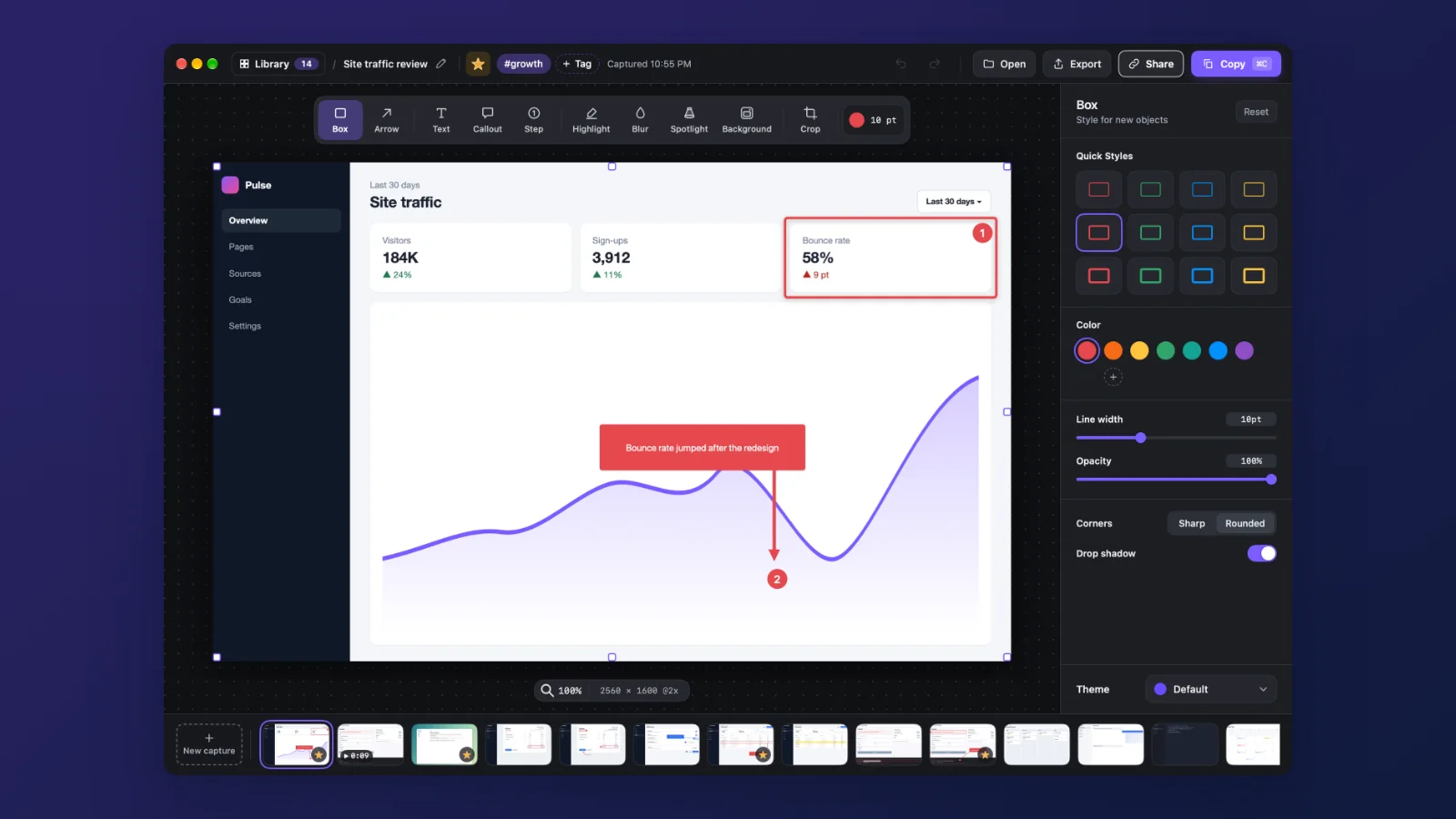
How to Use Chop: Complete Guide to Screenshots, Annotations & Recording
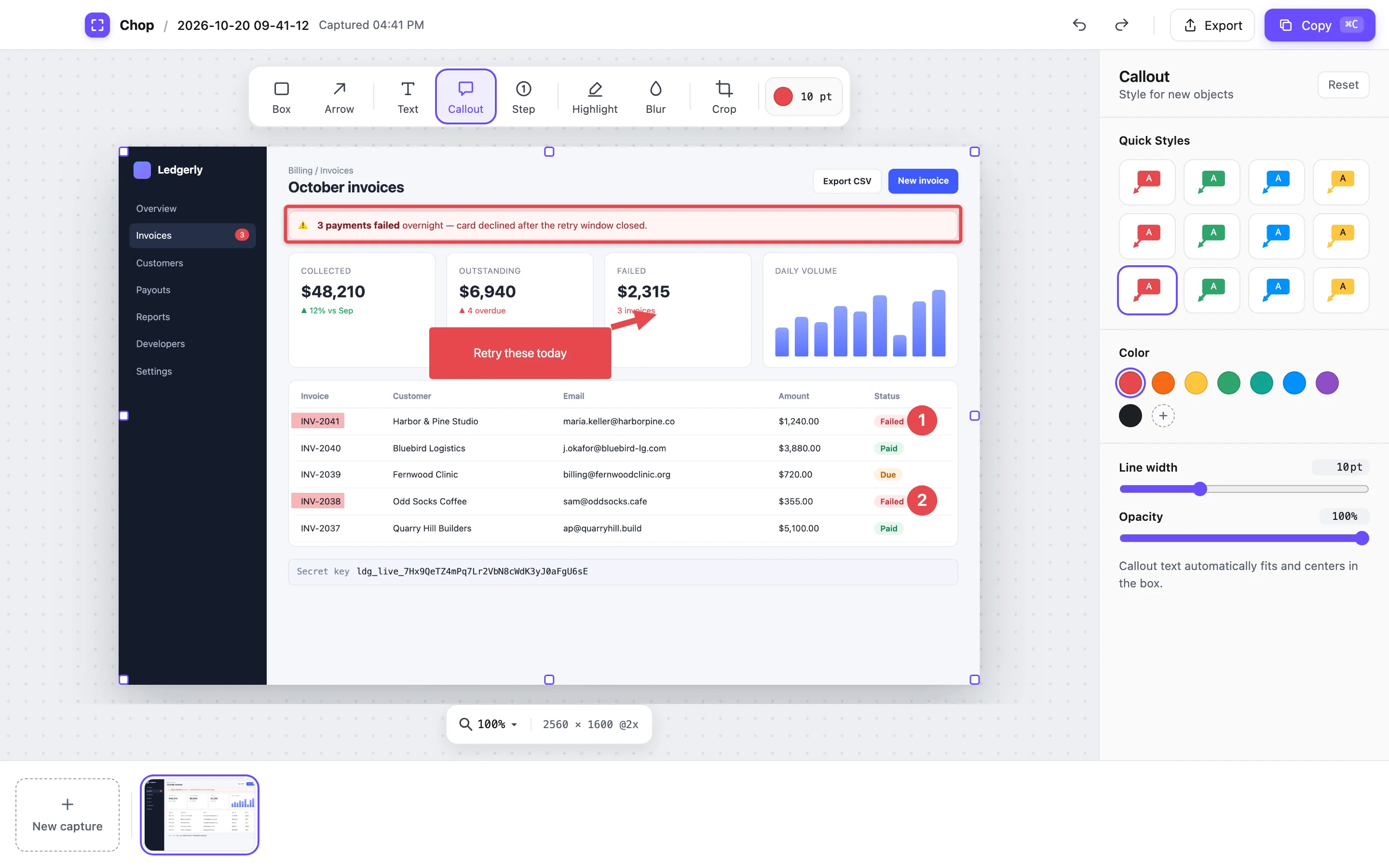
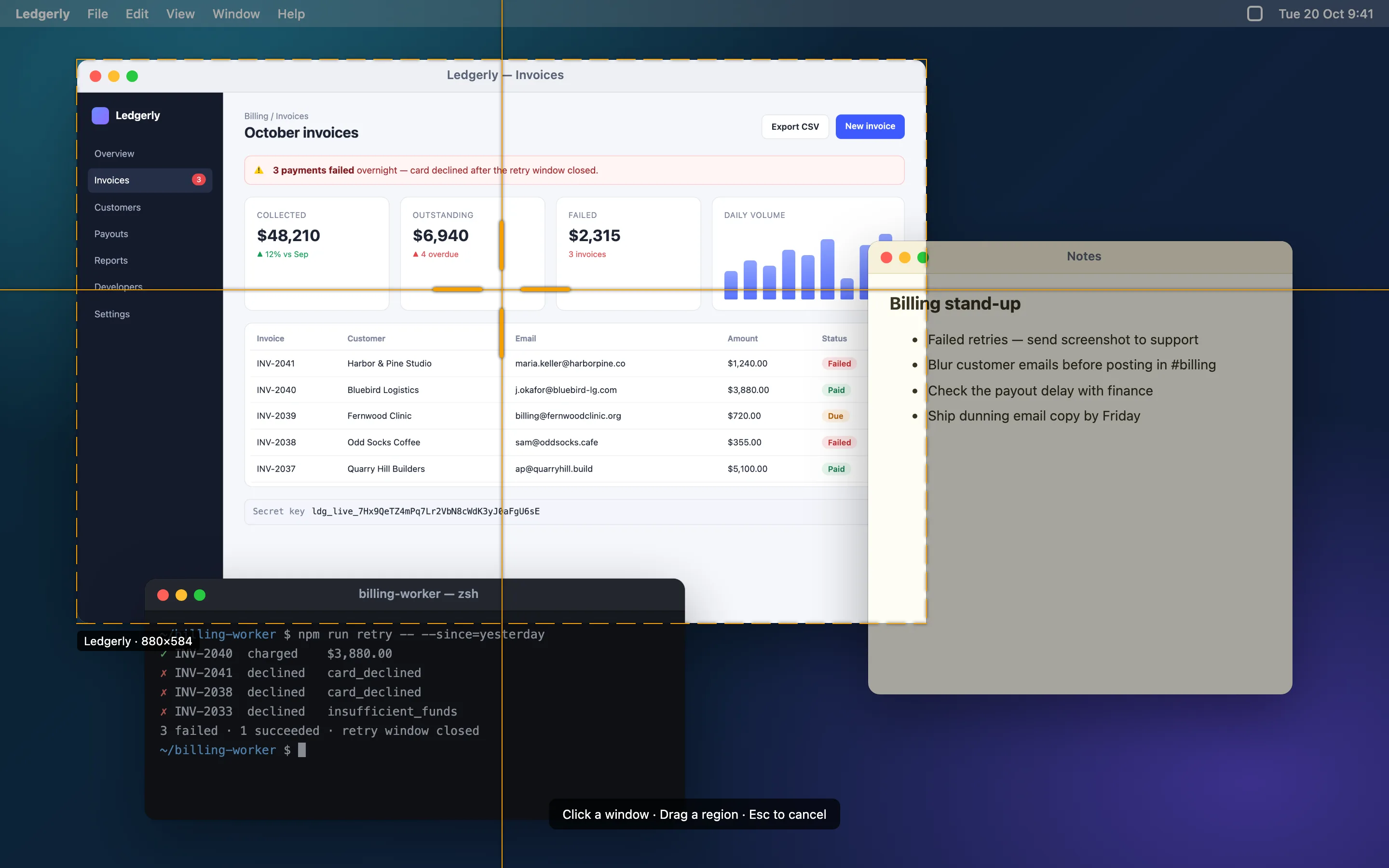
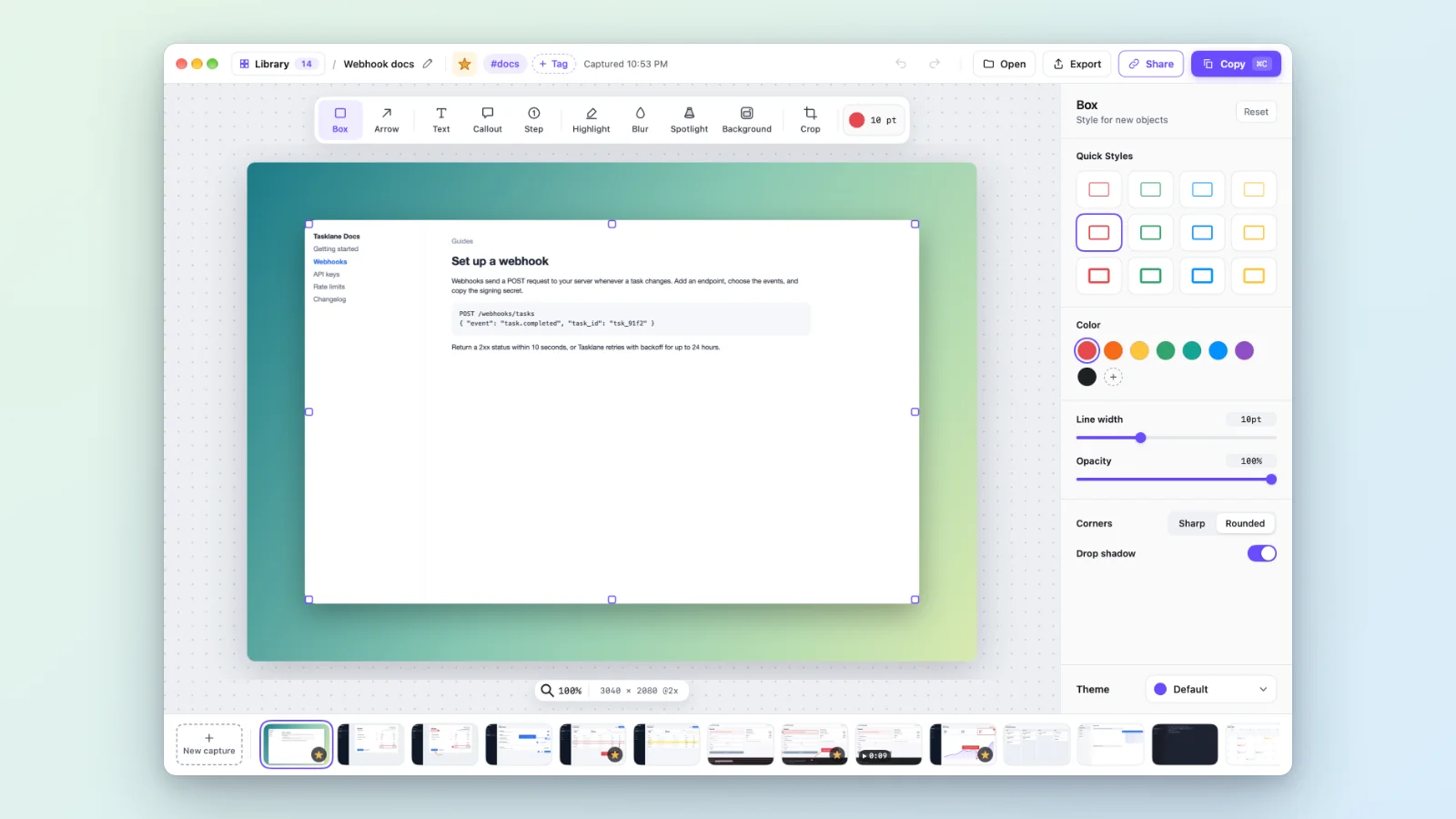
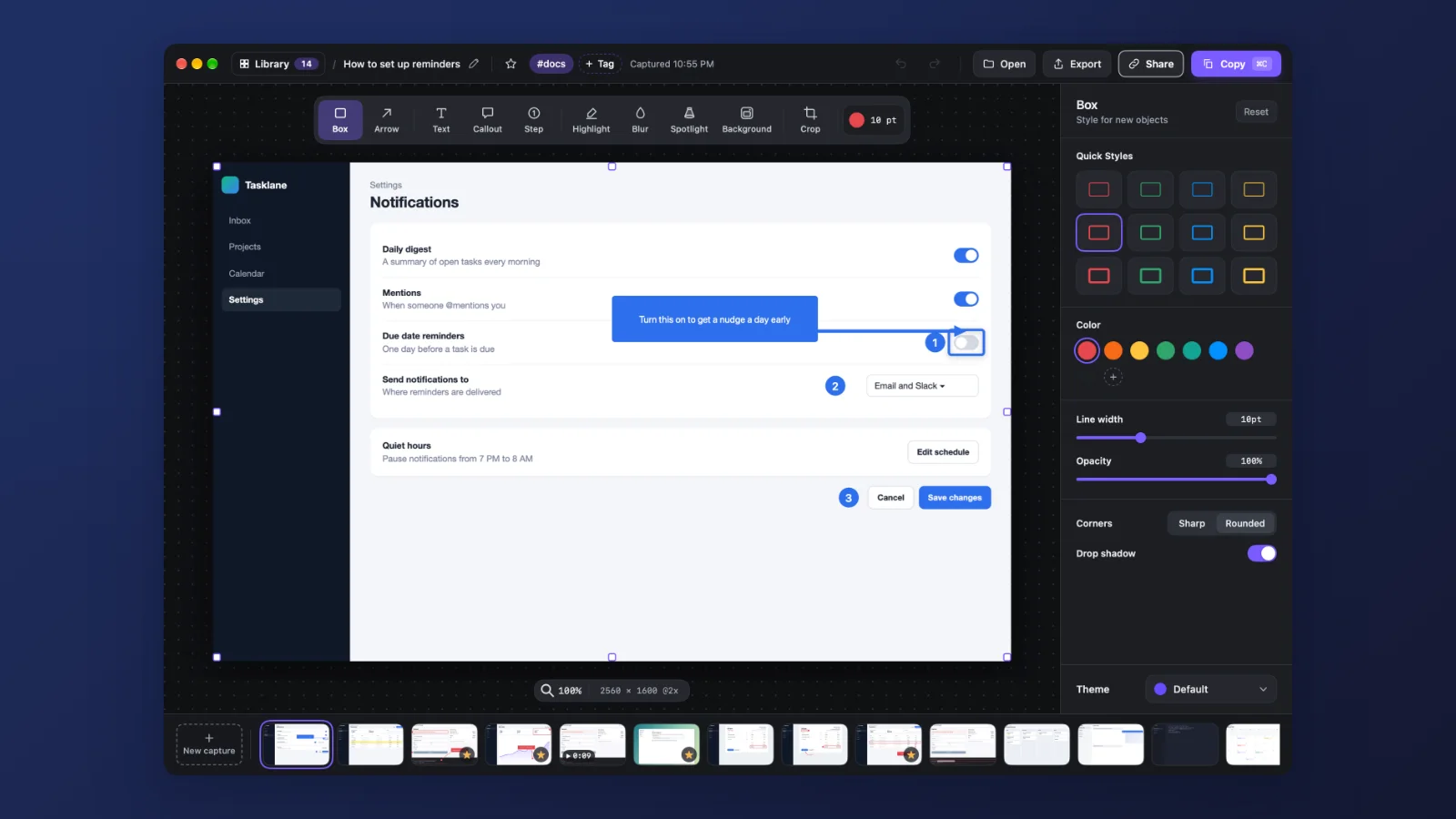
Step-by-step guide to Chop on Mac, Windows, and Ubuntu: capture shortcuts, all 9 single-key annotation tools, scrolling capture, recording, and Library.
Practical tutorials, keyboard workflows, and honest comparisons to help you capture, annotate, redact, and share screenshots faster on Mac, Windows, and Ubuntu.
Step-by-step guide to Chop on Mac, Windows, and Ubuntu: capture shortcuts, all 9 single-key annotation tools, scrolling capture, recording, and Library.
Chop is officially live on the Microsoft Store for Windows 10 and 11. Install in one click with automatic updates, free forever tools and a 30-day Pro trial.
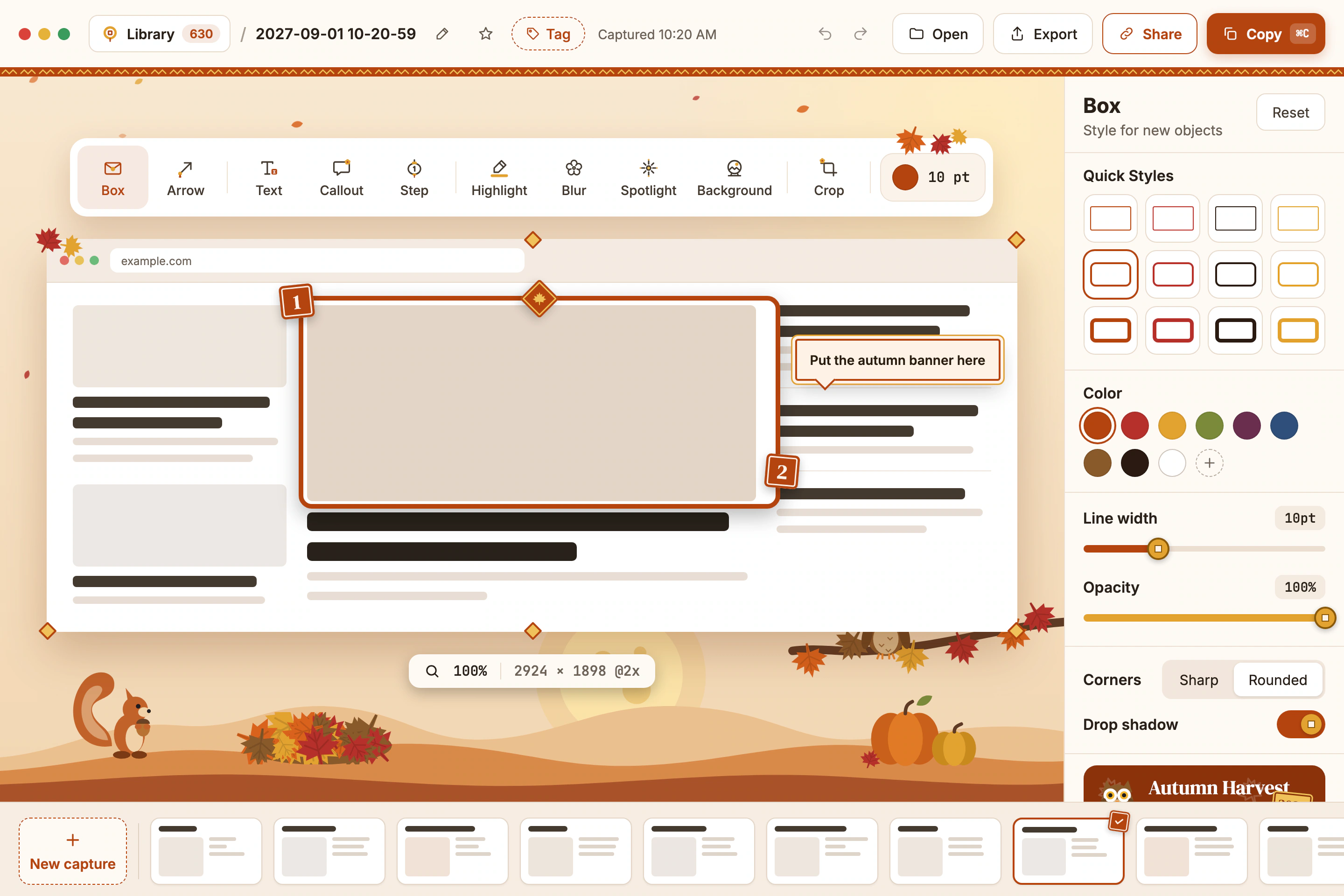
6 new themes join Chop Pro: Spring Bloom, Summer Sunshine, Autumn Harvest, Winter Frost, Sea Breeze and Jungle Canopy in Light and Dark mode.
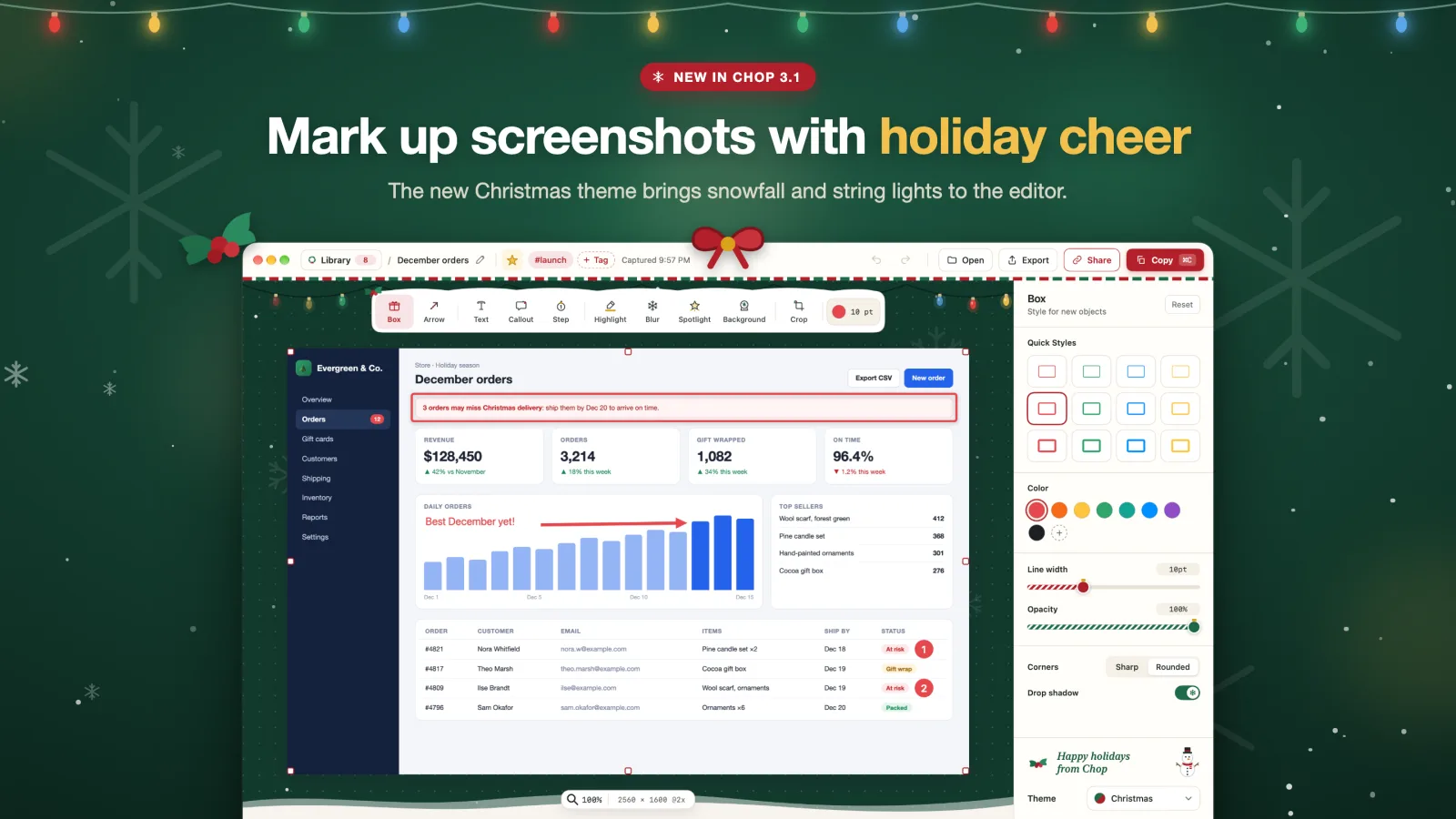
Chop 3.1 adds a Christmas theme with snowfall, string lights and festive colors across the editor and Library. See how it looks and how to turn it on.
Chop 3.0 brings a rebuilt 7 MB native macOS app, a forever-free Chop Free tier, Microsoft Store support, 4K 60 fps recording, and an Open button in the editor.
7 practical benefits of a dedicated screenshot app: single-key annotations, instant blur, scrolling capture, searchable Library, and quick MP4 clips.
Honest look at the drawbacks of Windows Snipping Tool and macOS built-in screenshots: slow markup, no blur or scrolling capture, and Desktop clutter.
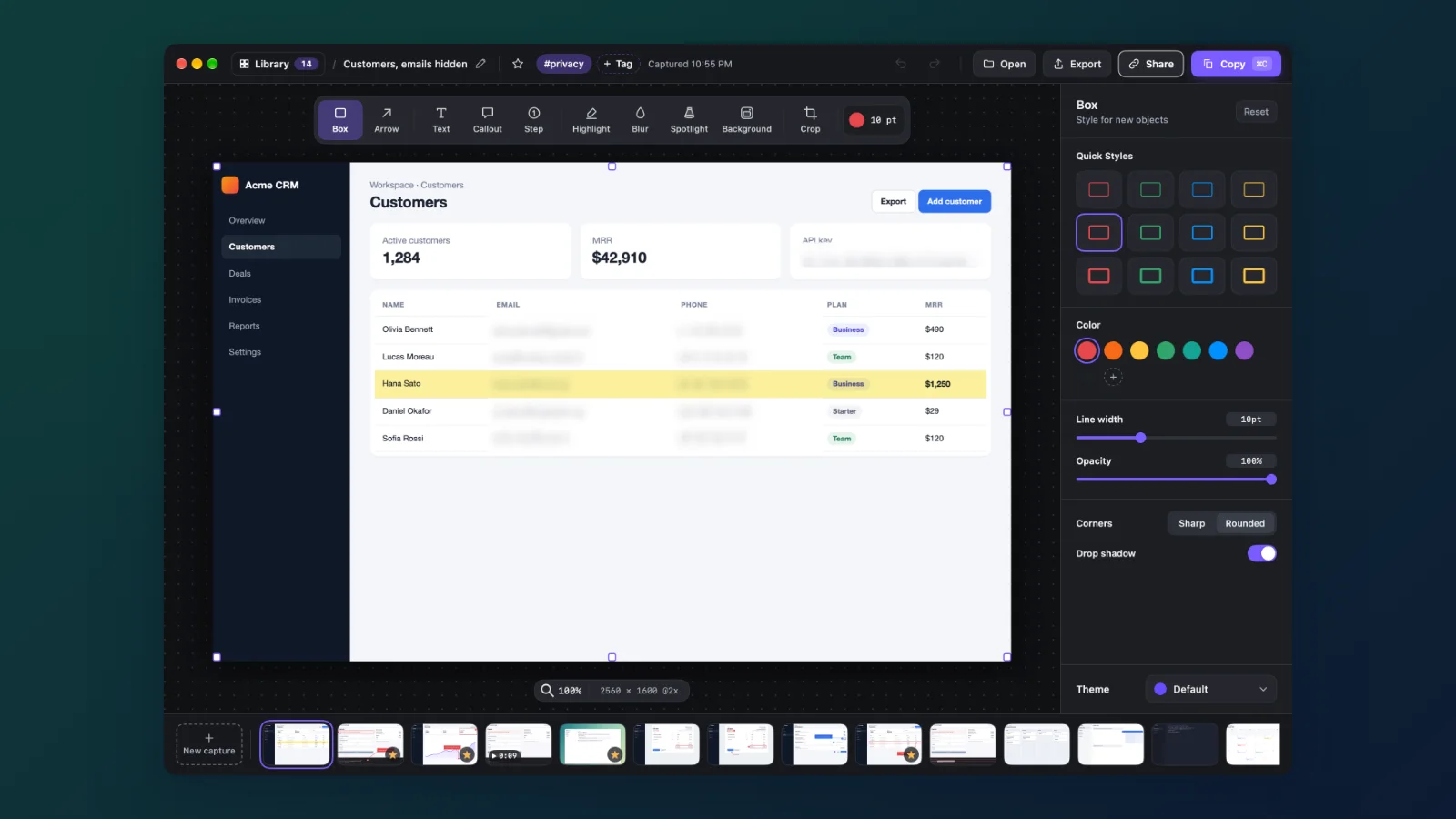
Learn how to blur emails, API keys, and private details in screenshots before sharing: why marker pens fail, what to check, and how to redact locally.
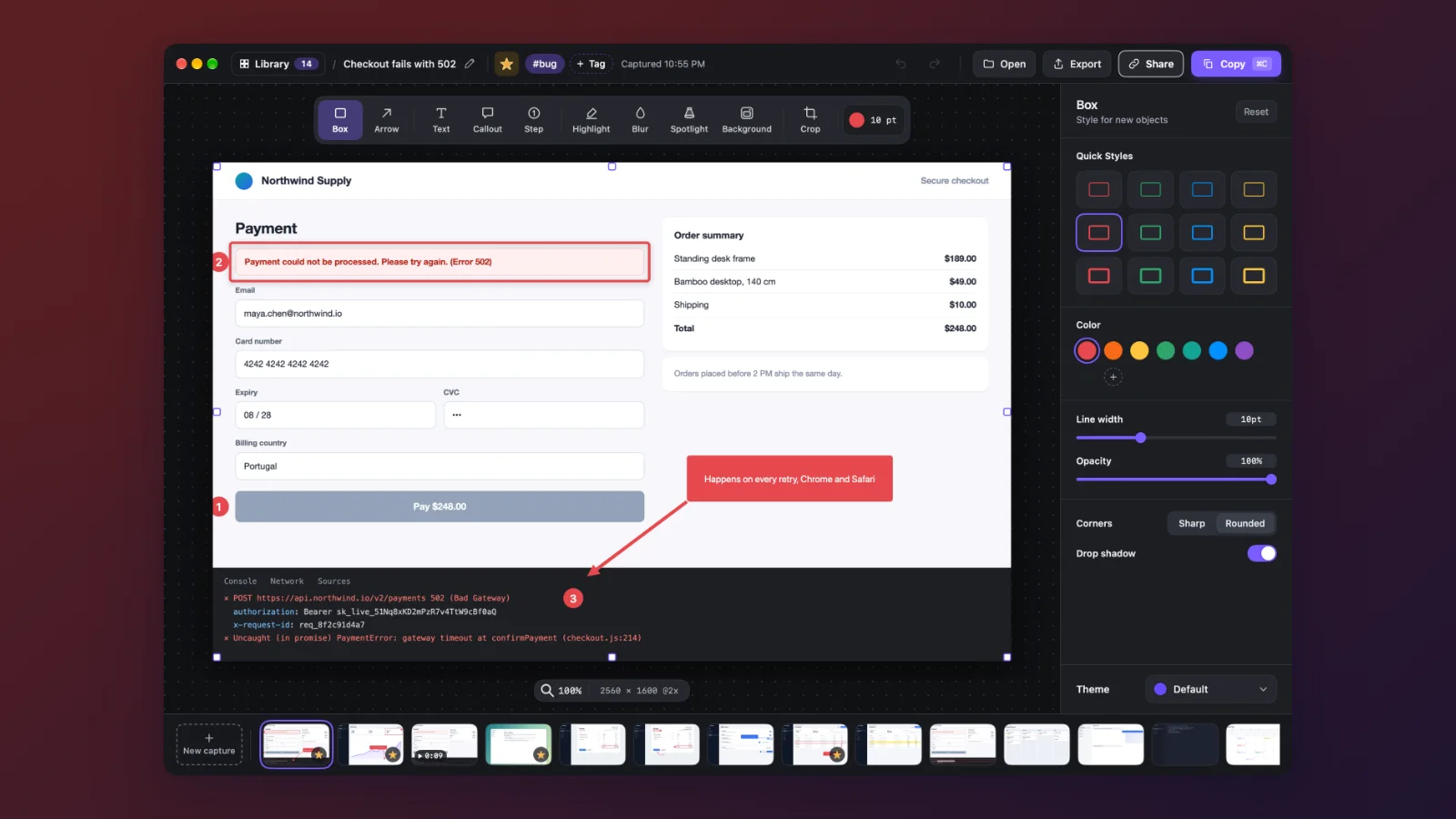
Practical checklist for developers, QA, support, and PMs to capture and annotate bug report and documentation screenshots that get answered fast.